I Ported Zed's GPUI to iOS and Android — Full Rust Mobile Apps Are Here
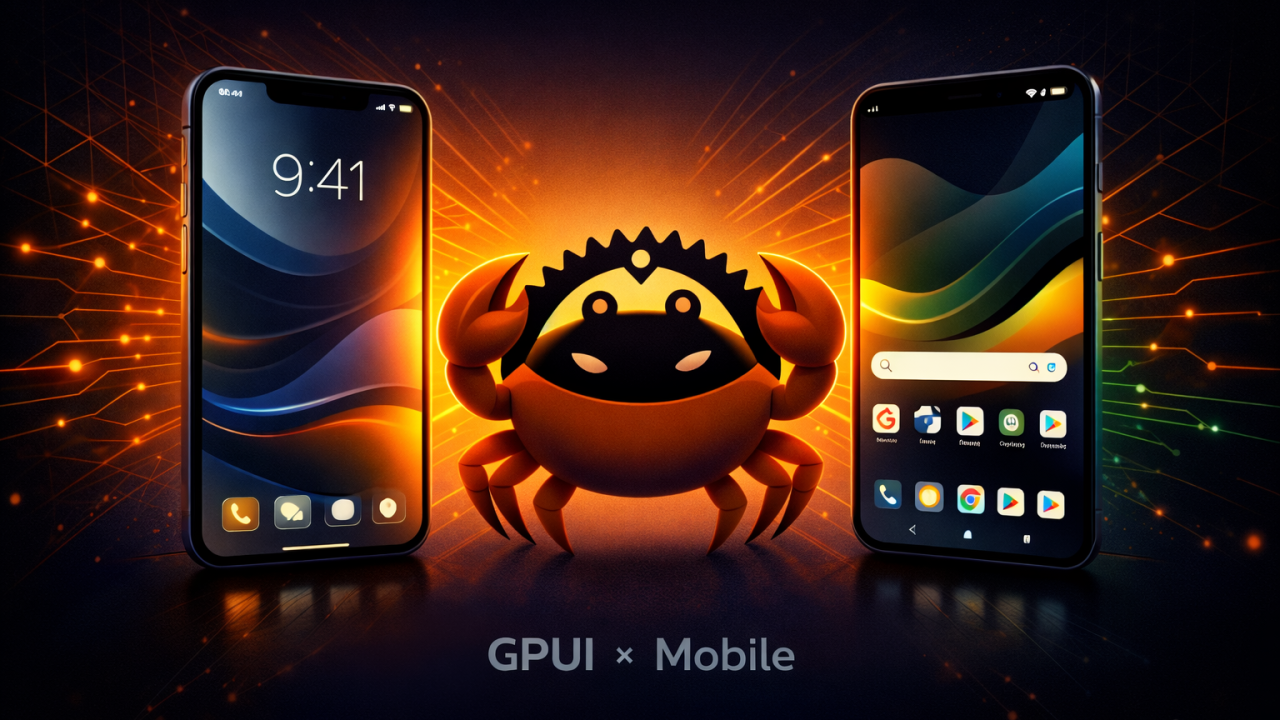
If you’ve been watching the Rust ecosystem evolve, you know the one missing piece has always been mobile. We’ve had amazing tools for backend, CLI, WebAssembly, even desktop — but mobile? You were still stuck context-switching into Swift, Kotlin, or reaching for cross-platform frameworks that abstract you away from the metal.
Not anymore.
I’ve integrated Zed’s GPUI framework to run natively on iOS and Android using wgpu as the rendering backend. That means you can now build fully native mobile applications in pure Rust — no Swift bridging, no JNI boilerplate, no JavaScript runtime sitting in between.
Why GPUI?
Zed built GPUI to power their code editor, and it’s one of the most well-engineered UI frameworks I’ve worked with. It’s GPU-accelerated, immediate-mode inspired but with retained state, and designed from the ground up for performance. The architecture already had the right abstractions — it just needed the right surface to render onto.
Why wgpu?
wgpu speaks Vulkan on Android, Metal on iOS, and abstracts the graphics pipeline without sacrificing control. It was the natural bridge between GPUI’s rendering expectations and mobile GPU hardware. The integration means GPUI draws directly to native surfaces with zero intermediate layers.
What This Unlocks
- Single-language mobile development in Rust: Your UI code, business logic, networking, state management, and persistence — all in one language, with one toolchain, sharing one set of types and abstractions.
- True native performance: No virtual DOM diffing. No layout engine running in a separate thread. GPU-accelerated rendering that talks directly to the hardware.
- Shared codebase across platforms: The same GPUI application code runs on Web, macOS, Linux, Windows, iOS, and Android. Write once, render everywhere — but for real this time.
- Rust’s guarantees on mobile: Memory safety, thread safety, and fearless concurrency on platforms where crashes and memory leaks are notoriously hard to debug.
What’s Next
This is still early, and there’s work to do — touch input handling, platform-specific lifecycle management, accessibility APIs, and the broader ecosystem of mobile-native components. But the foundation is solid, and the hardest part — getting pixels on screen through a pure Rust pipeline on mobile — is done.
If you’re a Rust developer who’s been waiting for a reason to target mobile, that reason is here. If you’re a mobile developer tired of the overhead that comes with existing cross-platform solutions, come take a look at what a zero-compromise approach feels like.
Resources & Links
- GitHub Repository:
gpui-mobile - GPUI Source: Zed Editor
- Graphics Backend: wgpu
- Programming Language: Rust
Stars, issues, and PRs are all welcome. Let’s build this together.
The future of mobile development speaks Rust. 🦀